
Many small business owners and startup founders get surprised when they try to sign up for Dropbox Business. The platform clearly states that Dropbox Business plans minimum 3 team members. You cannot buy a Business (team) plan for 1 or 2 people — you must pay for at least 3 licenses, even if only one person uses it right now. This simple rule shapes how thousands of teams choose their cloud storage every year.

In this detailed guide, we explain everything you need in plain language: why the rule exists, current 2025 pricing, exact storage amounts, feature differences, and real-world tips from teams who use Dropbox every day.
Why Does Dropbox Require a Dropbox Business Minimum Users Rule of 3?
Dropbox designed its Business plans (Standard, Advanced, and Business Plus) for real collaboration. The company wants every team account to have team folders, admin controls, shared link permissions, audit logs, and advanced security. These features only make sense when at least a few people work together.
Official policy (directly from the Dropbox plans comparison page):
“Business plans require a minimum of 3 users per account.”
This has been the rule since Dropbox Business launched and it still applies in 2025.
Many users ask the same question on Reddit: “Can I buy a Dropbox Business plan for myself or just two people?” The answer is no — the checkout page automatically charges for Dropbox Business 3 users as the smallest option.
Current Pricing – Dropbox Business Pricing 3 Users Breakdown
| Plan | Price per user/month (billed annually) | Minimum total cost/month (3 users) | Starting storage (pooled) | Best for |
| Standard | $15/user | $45 | 5 TB shared | Growing teams who need basic admin tools |
| Advanced | $24/user | $72 | 15 TB shared + unlimited growth | Fast-growing teams, heavy file users |
| Business Plus | $30/user | $90 | 15 TB shared + unlimited growth | Teams that need HIPAA, advanced recovery & tiered admin |
All plans include:
- Unlimited device sync
- 180-day file recovery (Standard) or 1-year+ (Advanced/Plus)
- Smart Sync, team folders, ransomware detection
- 24/7 priority support
Dropbox Business Plans Minimum 3 Team Members – Which Plan Should Your Team Choose?
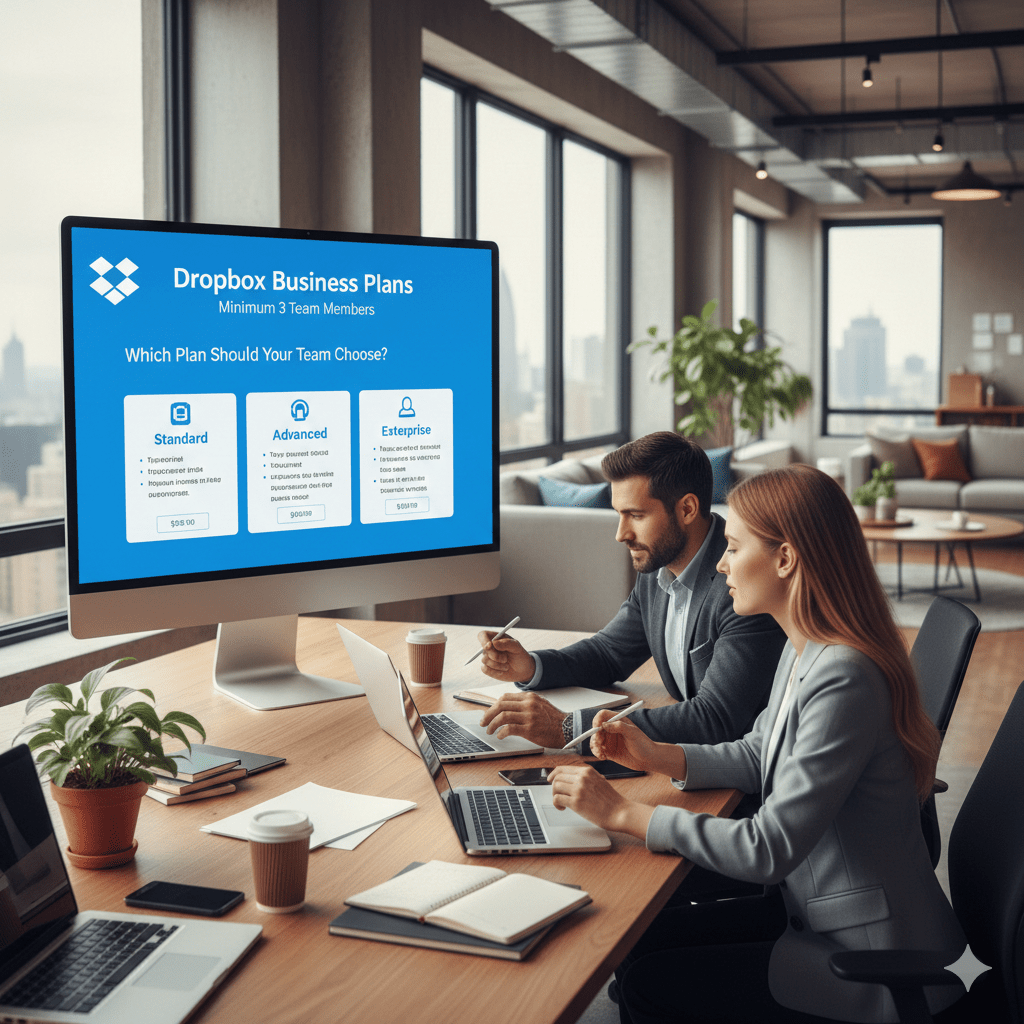
1. Dropbox Standard – Perfect for most teams of 3–15 people
- 5 TB total shared storage (enough for ~2 million documents or 500,000 photos)
- Basic admin console, shared link controls, password protection
- Great first step when you outgrow personal plans
2. Dropbox Advanced – The most popular choice for small businesses
- Starts with 15 TB pooled storage and grows as needed
- Advanced admin roles, tiered permissions, audit logs
- Sign requests, traffic & insights reports
- 70 % of new teams pick this plan (Dropbox internal stats 2024–2025)
3. Dropbox Business Plus – Extra protection & compliance
- Everything in Advanced + extended version history (up to 10 years)
- Legal hold, HIPAA/BAA support, domain insights
- Ideal for agencies, medical offices, or legal teams
Real Stories from Teams of Exactly 3 People
On Reddit’s r/dropbox, a common thread titled “Can I purchase a Dropbox Teams account and use it alone?” has hundreds of replies. Most users say:
- Yes, you can buy 3 licenses and only invite 1–2 people right now.
- You can leave the extra licenses “unassigned” — you’re just paying to keep them ready for future hires or contractors.
- Many freelancers and tiny startups do exactly this to unlock team admin controls and pooled storage.
One user wrote: “I run a 3-person design studio. We pay $72/month for Advanced. The 15 TB pooled storage means we never worry about space again.”
Smart Ways Small Teams Use the Dropbox Team Plan 3 Members Rule
- Buy 3 licenses now, grow later – Add real teammates when you plan to hire in the next 6–12 months.
- Invite trusted contractors or virtual assistants – Even part-time freelancers count as users.
- Create “future employee” placeholders – Dropbox lets you reserve seats without assigning an email right away.
- Share the cost – Several solo entrepreneurs in the same niche sometimes split a 3-seat plan (Dropbox allows this as long as everyone agrees).
Dropbox Business vs Personal Plans – Quick Comparison 2025
| Feature | Personal Plus/Family | Business Standard (3+ users) |
| Minimum users | 1 | 3 |
| Starting storage | 2–6 TB | 5 TB shared (Standard) |
| Team folders & admin console | No | Yes |
| Advanced sharing controls | Limited | Full |
| File recovery | 30 days | 180 days – 10 years |
| Priority support | Email only | 24/7 chat & phone |
| Price for 3 people | ~$30–40 total | $45–90 total |
For teams of 3 or more, the Business plans almost always win on features and long-term cost.
How to Set Up Your Dropbox Business Plan for Small Teams in 5 Easy Steps
- Go to dropbox.com/business and choose your plan.
- Select “Annual billing” to save ~17 %.
- Enter “3” as the number of licenses (you cannot type 1 or 2).
- Add payment info — you are charged for all 3 seats immediately.
- Invite your teammates (or leave seats open for later).
The whole process takes under 10 minutes.
Alternatives if the 3-User Minimum Feels Too Expensive
| Service | Minimum users | Price for 3 users (approx.) | Notes |
| Google Workspace | 1 | $18/month total | Great email integration |
| Microsoft 365 Business | 1 | $18–75/month Full Office apps | |
| pCloud Business | 1 | ~$30/month Lifetime options available | |
| Sync.com Teams | 2 | ~$36/month Very strong privacy |
Many teams still choose Dropbox because of its rock-solid sync speed and Smart Sync feature.
Frequently Asked Questions
Do ALL Dropbox Business plans require a minimum of 3 team members?
Yes. Dropbox Standard, Advanced, and Business Plus all have a Dropbox Business plans minimum 3 team members rule. You cannot buy any of these plans with only 1 or 2 licenses.
Can I buy a Dropbox Business plan for just myself or two people?
No. The checkout page automatically sets the minimum to 3 users. This is a hard rule in 2025.
Why does Dropbox require 3 users minimum?
Dropbox designed the Business plans for real team collaboration (team folders, admin controls, audit logs, tiered permissions). These features only make sense with multiple people, so they set the Dropbox Business minimum users at 3.
What if I only have 2 people right now – can I still sign up?
You can sign up, but you will still be charged for 3 licenses. Many 2-person teams do this to unlock the professional features and extra storage.
Can I leave one license empty if I only need 2 right now?
Yes! You can buy 3 licenses and only invite 2 people. The third seat stays “unassigned” until you’re ready to add someone (perfect for future hires or contractors).
How much does Dropbox Business cost for exactly 3 users in 2025 (annual billing)?
- Standard: $15 × 3 = $45/month
- Advanced: $24 × 3 = $72/month (most popular)
- Business Plus: $30 × 3 = $90/month
Final Thoughts – Should Your Team Choose a Dropbox Business Subscription Minimum Seats Plan?
The Dropbox Business plans minimum 3 team members rule is simple: if you have (or plan to have) three or more people who need to share folders, recover old files easily, and keep everything secure — Dropbox Business is usually worth the small extra cost.
For true solo users or couples, personal plans remain cheaper and simpler.
But for growing startups, creative agencies, remote teams, and anyone who says “we keep running out of space,” the 3-user minimum is actually a feature — it pushes you into the professional toolset you will thank yourself for later.
Ready to get started? Check the latest pricing and features on the official Dropbox Business comparison page1.
Question for you: How many people are on your team right now, and which Dropbox plan are you leaning toward? Drop a comment below — happy to help you decide!
References
- Dropbox Official – Business Plans Comparison (accessed December 2025) ↩︎

