
Remote work is common now. Many people work from home or coffee shops. But this can be risky. Hackers try to steal company data. What is the best software for data security for remote employees? If you’re an IT boss, security leader, HR manager, or small business owner, you need answers. This guide makes it easy. We’ll show you tools to keep devices, networks, and data safe. You’ll see top picks, facts, and tips. Let’s protect your team!
Why Remote Work Needs Strong Data Security
Lots of people work remotely. In 2025, 32 million Americans do, says IBM1. It’s great for freedom. But it’s tough for security. Cyberattacks on remote workers jumped 300% since 2020. Breaches hit 20% of companies. Each one costs about $4.24 million.
Here’s the problem. Workers use home Wi-Fi or personal laptops. These don’t have office protections. Hackers love this. They send fake emails or attack weak apps. IT leaders worry about company data, like client files or secrets, getting stolen.
HR managers have a different job. They want happy teams. But bad security can break trust or cause fines. Small businesses and big companies want to do it right. Managed Service Providers (MSPs) help clients pick safe tools.
CSO2 Online says: “Compromised employee personal devices can disrupt and threaten business security”. That’s true. Workers are 85% more likely to leak data now. And 61% of IT bosses say remote staff caused a breach this year.
Good news? The right software fixes this. It protects devices, networks, backups, and logins. It also helps make rules to keep risks low without spying.
What Is the Best Software for Data Security for Remote Employees?
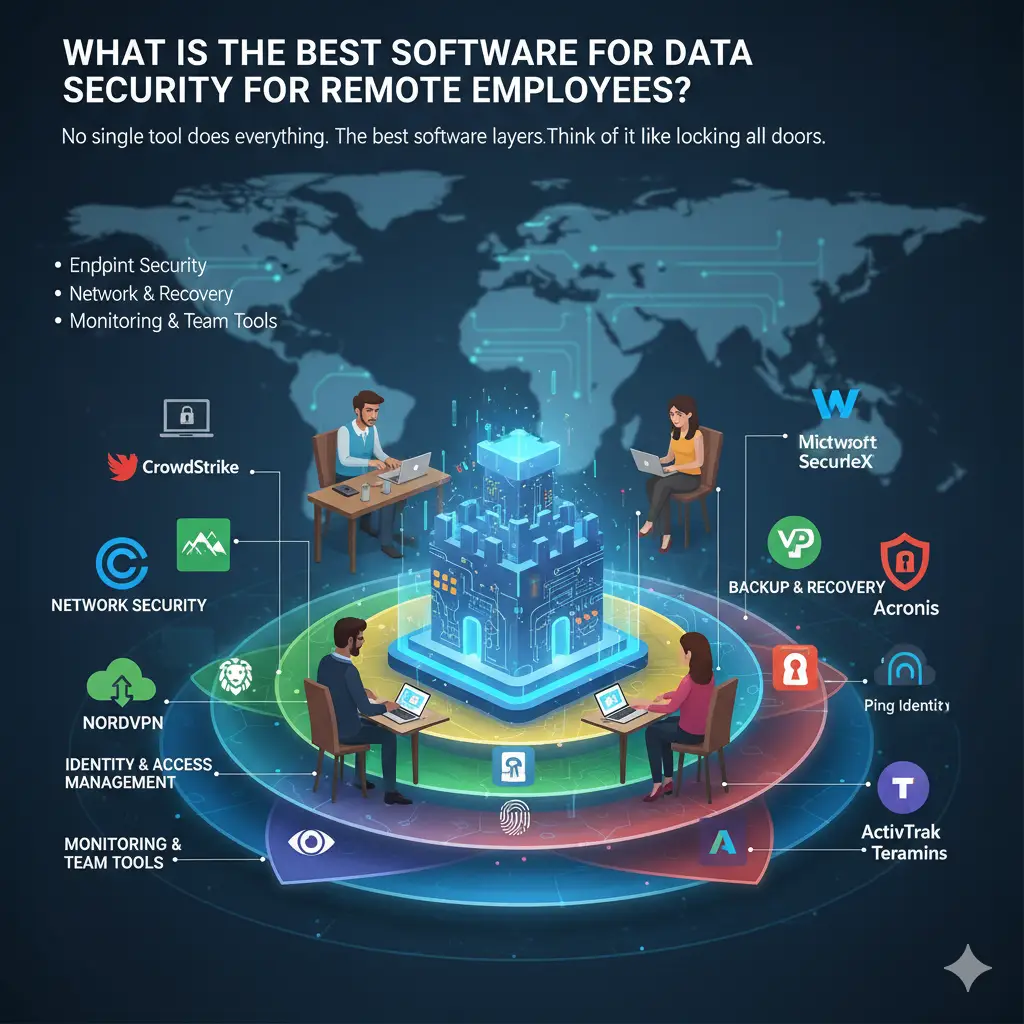
No single tool does everything. The best software for data security for remote employees uses layers. Think of it like locking all doors. You need tools for devices, networks, backups, logins, and watching workers safely.
IT leaders want big, strong systems. Small businesses need cheap, easy ones. HR likes tools that help work and safety. MSPs pick tools that are quick to set up. We checked expert reviews and Reddit3 posts to find the best.
Here are top tools by type. Each has pros, cons, and why it fits your team.
Endpoint Security: Protect Devices
Endpoints are laptops or phones. Remote workers might click bad links. Endpoint security for remote workers stops those risks.
Best picks:
- CrowdStrike Falcon This tool uses smart tech to find threats fast. It stops ransomware protection for remote endpoints and can erase stolen devices. Pros: Works online; connects with zero trust security solutions for remote teams. Cons: Costs a lot ($60 per person per year). Great for big companies. A Reddit user said it’s “perfect for spread-out teams” [3].
- Microsoft Defender for Endpoint Built into Windows, it checks for viruses and sets rules. Add multifactor authentication (MFA) for more safety. Pros: Free with Microsoft 365; easy to use. Cons: Not great for non-Windows devices. Good for teams using Microsoft. It cuts breach time by 50% [1].
- SentinelOne This stops attacks and fixes damage. Great for ransomware protection for remote endpoints. Pros: Works by itself; good for Macs. Cons: Hard to learn at first. Small businesses like its $50 per person price.
Starting a business? Use these tools to keep devices safe. Check how to start a small business for more tips.
Network Security: Keep Connections Safe
Public Wi-Fi is dangerous. Hackers can grab data. Remote access security software like VPNs hides your traffic. Add firewalls and network access control (NAC) for remote users for extra safety.
Top choices:
- Cisco SecureX This has a VPN, firewall, and threat intelligence for distributed teams. Pros: Works for big teams; gives alerts. Cons: Tricky to set up ($10 per person per month). IT leaders love it for control [2].
- NordVPN Teams A simple VPN that blocks viruses. Supports secure VPN and firewall configuration. Pros: Cheap ($7 per person per month); easy. Cons: No advanced controls. Great for small businesses going remote.
- Palo Alto Networks Prisma Access A cloud tool for network access control (NAC) for remote users. Uses zero-trust ideas. Pros: Covers the world; very safe. Cons: Costs more for big teams. Forbes4 says VPNs cut remote risks by 70%.
MSPs use these to help clients save money. See how to manage cash flow in a small business.
Backup and Recovery: Save Your Data
Ransomware locks files. Cloud backup and recovery software for remote workforce saves them. Look for device encryption and remote wipe features.
Best tools:
- Veeam Backup & Replication Saves devices and cloud data. Stops ransomware with locked storage. Pros: Fast to restore; free for small teams. Cons: Needs setup on-site. Used by over 400,000 companies [1].
- Acronis Cyber Protect Combines backups and virus protection. Pros: Works on phones; $59 per device per year. Cons: Too much for simple needs. HR likes its rule reports.
- Backblaze Saves unlimited data for $7 per terabyte per month. Pros: Super easy. Cons: No device protection. Data shows 75% of breaches lose data—backups help [1].
New businesses? Backups protect your work. Learn how to build a startup with no money.
Identity and Access Management: Control Logins
Weak passwords cause 80% of breaches. Identity and access management for remote staff checks who logs in. Use multifactor authentication (MFA) or single sign-on.
Top tools:
- Okta Cloud tool with smart MFA. Pros: Works with 7,000+ apps; $15 per person per month. Cons: Takes time to set up. Best for zero-trust.
- Duo Security (Cisco) Easy MFA with phone alerts. Pros: Free basic plan; checks devices. Cons: Fewer features. Reddit says it’s super safe.
- Ping Identity Big system with face scans. Pros: Smart fraud checks. Cons: Expensive. CSO says hardware keys beat phone texts.
For busy founders, secure logins save time. See how to balance motherhood and entrepreneurship.
Monitoring and Team Tools: Watch Safely
Employee monitoring and data security tracks work without spying. Pair with secure collaboration tools for remote teams.
Best picks:
- ActivTrak Shows work patterns, not private details. Spots insider threat monitoring. Pros: Respects privacy; free trial. Cons: No live video. People Managing5 People says it builds trust.
- Teramind Watches for data leaks with smart alerts. Pros: Custom rules; $10 per person per month. Cons: Feels like spying sometimes. Good for rules like GDPR.
- Microsoft Teams with Purview Safe chats with tracking. Pros: Built-in; keeps records. Cons: Only for Microsoft users. Data says 46% of breaches come from insiders—watch carefully.
HR tip: Use these for data privacy policies for remote work. They keep teams happy. Learn what is marketing and how does it help a business to grow safely.
Tips for Your Role
IT and Security Leaders
You run the show. Use cybersecurity software for remote workforce like CrowdStrike and Okta. Make rules: Require MFA, do practice drills. Risk? 46% of hacked devices are unmanaged. Fix it with zero-trust. Start with free tools, then grow.
CSO says: Teach workers good habits. It cuts phishing clicks by 40%.
HR and Operations Managers
You want happy teams. Tools like ActivTrak show work without spying. Use remote work compliance tools for laws like GDPR. Share reports to build trust.
People Managing People says: “Control without hurting trust or work”. Secure teams stay 10% longer [1]. Try best AI tools for small business productivity.
Small Businesses and Big Companies
New to security? Use Acronis—it’s cheap and strong. Remote device management software starts at $50 per month. Big firms? Prisma grows with you.
Data: Small businesses face 43% of attacks but recover fast with tools. Start secure to avoid traps. See why 90 of startups fail and how to avoid it.
MSPs and IT Helpers
Pick RustDesk or BeyondTrust for clients. Reddit likes self-hosted tools—they’re cheap [3]. Set up VPNs and monitoring. Tell clients about tracking to stay legal.
Help clients pitch safe setups. Check how to find investors for a startup with no money.
Best Ways to Stay Safe
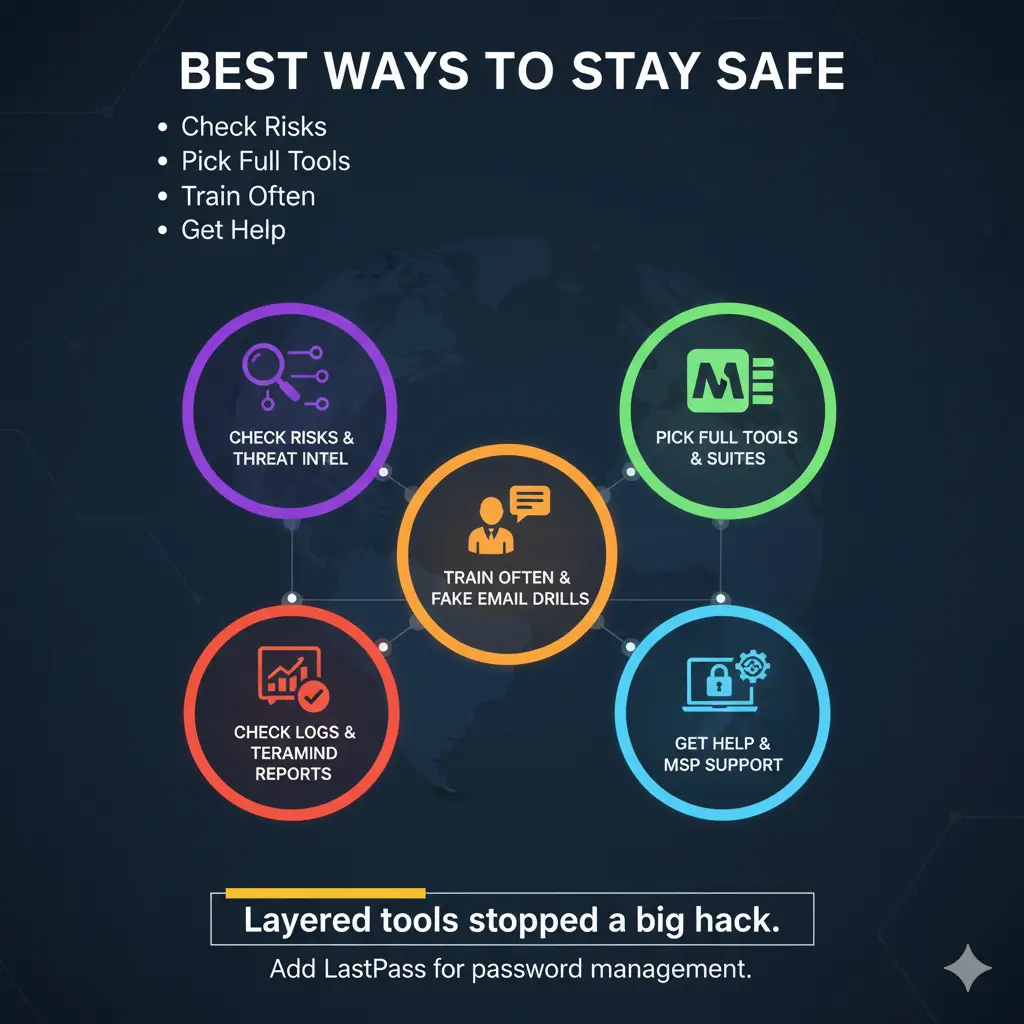
- Check Risks: Look at your setup. Use threat intelligence for distributed teams.
- Pick Full Tools: Avoid gaps—choose suites like Microsoft.
- Train Often: Teach MFA and fake email tricks every three months.
- Use Encryption: Require device encryption and remote wipe features.
- Check Logs: Look at reports weekly. Teramind makes it easy.
- Get Help: MSPs, use best startup accelerators around the world for ideas.
A security boss said: “Layered tools stopped a big hack.” Add password management tools like LastPass—it catches leaks fast.
Going green? Pair with sustainable packaging ideas for small businesses.
What’s New in 2025
Hackers use AI now. But so do we. Smart tools spot odd actions. Encryption and data loss prevention (DLP) gets stronger. Watch for remote desktop security protocols like RDP with VPNs.
Integrate.io says Egnyte unifies protection. Verizon6 notes: 17% of breaches are spying—stay alert.
FAQs
What are easy remote employee security tools for new teams?
NordVPN and Microsoft Defender are simple and strong.
How do I protect remote work data protection cheaply?
Use Duo’s free MFA and Backblaze for $10 per month.
Are the best cybersecurity tools for remote work worth it?
Yes—they save millions. Payback in months.
What about secure file sharing platforms?
Try Egnyte or Box—they’re safe and legal.
How to do insider threat monitoring nicely?
ActivTrak uses group data, not personal stuff.
Conclusion
The best software for data security for remote employees uses many tools. CrowdStrike guards devices. Okta locks logins. These stop hacks (up 300% now) and keep work smooth. IT gets control. HR keeps trust. Small businesses grow safe. MSPs look smart.
Start today: Check your risks, pick two tools, train your team. Your remote crew will be safe and happy.
What’s one security problem you face with remote work? Tell us below—we’ll help!
References
- IBM. “Cost of a Data Breach Report 2025.” Breach costs and trends. [https://www.ibm.com/reports/data-breach] ↩︎
- CSO Online. “11 Security Tools All Remote Employees Should Have.” October 2025. [https://www.csoonline.com/article/571051/11-security-tools-all-remote-employees-should-have.html] ↩︎
- ↩︎
- Forbes. “Cyber Strategies for Remote Teams.” October 2025. [https://www.forbes.com]
People Managing People. “24 Best Remote Employee Monitoring Software (2025).” October 2025. ↩︎ - [https://peoplemanagingpeople.com/tools/best-remote-employee-monitoring-software/]
Integrate.io. “Egnyte for Remote Data Protection.” October 2025. ↩︎ - Verizon. “2025 Data Breach Investigations Report.” Remote risk data. [https://www.verizon.com/business/resources/reports/dbir/] ↩︎
Reddit r/cybersecurity. “Which is the Safest and Best Remote Access Tool?” 2023, still relevant. [https://www.reddit.com/r/cybersecurity/comments/15f89og/which_is_the_safest_and_best_remote_access_tool/]

